Handling Stripe Webhooks Securely in Laravel
A practical, battle-tested guide for SaaS developers who can't afford to get payments wrong
If you're building a SaaS product and accepting payments through Stripe, webhooks are not optional — they're essential. They're how Stripe tells your application that a subscription was renewed, a payment failed, a customer disputed a charge, or a free trial just expired.
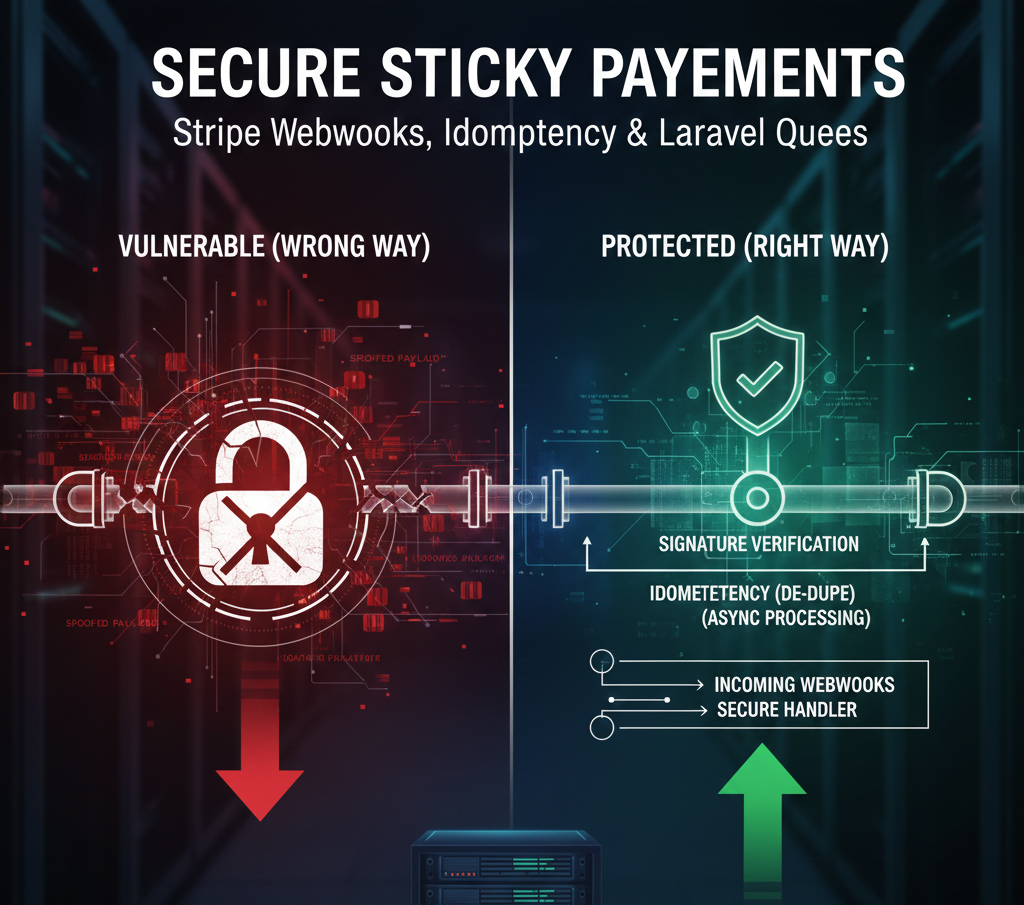
But here's the thing most developers don't talk about: webhooks are also one of the most common attack surfaces in payment systems. A poorly secured webhook endpoint can be spoofed, replayed, or manipulated to trigger financial actions your application was never supposed to perform.
In this guide, we're going to walk through everything you need to know about handling Stripe webhooks securely in Laravel — from basic signature verification to advanced idempotency patterns that protect you at scale.
Why Webhook Security Actually Matters
Let's be real for a second. When you're in MVP mode, it's tempting to just grab the webhook payload, check the event type, and move on. You've got features to ship.
But consider this scenario: a bad actor discovers your webhook URL — which isn't hard, it's often in public documentation or leaked in a GitHub commit. They send a carefully crafted POST request to your endpoint pretending to be Stripe, claiming that a payment was successful. Your application grants access. No money was ever charged.
This isn't hypothetical. It happens. And Stripe's signature verification exists precisely to prevent it.
🔒 Key Security Principle: Every webhook request must be verified against Stripe's signature before your application takes any action — no exceptions, no shortcuts.
Setting Up Your Stripe Webhook Endpoint in Laravel
Before we touch any code, you need to configure your webhook endpoint in the Stripe Dashboard. Head to Developers → Webhooks and add your endpoint URL. For local development, use the Stripe CLI to forward events to your local machine.
bash
# Install Stripe CLI and forward events locally
stripe listen --forward-to localhost:8000/api/webhooks/stripe
Once your endpoint is set up, Stripe gives you a Webhook Signing Secret — a string that starts with whsec_. Store this in your .env file immediately and never commit it to version control.
bash
# .env
STRIPE_SECRET=sk_live_your_secret_key
STRIPE_WEBHOOK_SECRET=whsec_your_webhook_signing_secret
The Right Way to Verify Webhook Signatures
Laravel's Cashier package handles a lot of this automatically, but understanding what's happening under the hood is critical. Here's how to build a secure, raw webhook handler from scratch.
Step 1: Create a Dedicated Controller
bash
php artisan make:controller StripeWebhookControllerphp
getContent();
        $sigHeader = $request->header('Stripe-Signature');
        $secret    = config('services.stripe.webhook_secret');

        try {
            $event = Webhook::constructEvent(
                $payload,
                $sigHeader,
                $secret
            );
        } catch (\UnexpectedValueException $e) {
            // Invalid payload
            return response()->json(['error' => 'Invalid payload'], 400);
        } catch (SignatureVerificationException $e) {
            // Invalid signature — possible spoofing attempt
            return response()->json(['error' => 'Invalid signature'], 400);
        }

        // Route to appropriate handler
        $this->handleEvent($event);

        return response()->json(['status' => 'success']);
    }
}
⚠️ Critical Warning: Never use
$request->all()or$request->json()to get the payload. Always use$request->getContent()to get the raw body. Stripe's signature is computed against the raw payload — if you parse it first, verification will fail every time.
Bypassing CSRF for Your Webhook Route
Laravel's CSRF protection will block incoming webhook requests from Stripe because they don't carry a CSRF token. You need to exclude your webhook route from CSRF protection — but only that route.
php
// app/Http/Middleware/VerifyCsrfToken.php

protected $except = [
    'api/webhooks/stripe',
];
And in your routes file, keep webhook routes outside of the web middleware group:
php
// routes/api.php

Route::post('/webhooks/stripe', [StripeWebhookController::class, 'handle'])
     ->name('stripe.webhook');
Handling Events with Idempotency
Stripe can send the same webhook event multiple times. Network issues, timeouts, or server errors can cause Stripe to retry delivery. If your application processes a payment_intent.succeeded event twice, you might grant access twice, send two welcome emails, or create duplicate records.
The solution is idempotency — storing processed event IDs so you never handle the same event twice.
bash
# First, create a migration for processed webhook events
php artisan make:migration create_processed_webhook_events_table
php
Schema::create('processed_webhook_events', function (Blueprint $table) {
    $table->id();
    $table->string('stripe_event_id')->unique();
    $table->string('event_type');
    $table->timestamp('processed_at');
    $table->timestamps();
});
php
// In your controller, check before processing
use App\Models\ProcessedWebhookEvent;

private function handleEvent($event)
{
    // Check if already processed
    if (ProcessedWebhookEvent::where('stripe_event_id', $event->id)->exists()) {
        return; // Silently skip — already handled
    }

    // Process the event
    match ($event->type) {
        'customer.subscription.created'  => $this->handleSubscriptionCreated($event),
        'customer.subscription.deleted'  => $this->handleSubscriptionCancelled($event),
        'invoice.payment_failed'         => $this->handlePaymentFailed($event),
        'invoice.payment_succeeded'      => $this->handlePaymentSucceeded($event),
        default                          => null
    };

    // Mark as processed
    ProcessedWebhookEvent::create([
        'stripe_event_id' => $event->id,
        'event_type'      => $event->type,
        'processed_at'    => now(),
    ]);
}
Processing Webhooks with Queues (The Professional Approach)
For production SaaS applications, you should return a 200 response to Stripe as fast as possible and process the webhook asynchronously via a queue. Stripe considers a webhook failed if your server doesn't respond within 30 seconds. If your handler is doing complex database operations or sending emails, you risk timing out.
php
// Dispatch a job instead of handling synchronously
use App\Jobs\ProcessStripeWebhookEvent;

public function handle(Request $request)
{
    // ... verify signature first ...

    // Dispatch to queue immediately
    ProcessStripeWebhookEvent::dispatch($event->toArray())
        ->onQueue('webhooks');

    // Return 200 right away — Stripe is happy
    return response()->json(['status' => 'queued']);
}
Your job class then handles the actual processing:
php
eventData['id'];
        $eventType = $this->eventData['type'];

        // Idempotency check inside the job too
        if (ProcessedWebhookEvent::where('stripe_event_id', $eventId)->exists()) {
            return;
        }

        match ($eventType) {
            'customer.subscription.created'  => $this->handleSubscriptionCreated(),
            'customer.subscription.deleted'  => $this->handleSubscriptionCancelled(),
            'invoice.payment_failed'         => $this->handlePaymentFailed(),
            'invoice.payment_succeeded'      => $this->handlePaymentSucceeded(),
            default                          => null
        };

        ProcessedWebhookEvent::create([
            'stripe_event_id' => $eventId,
            'event_type'      => $eventType,
            'processed_at'    => now(),
        ]);
    }
}
💡 Pro Tip: Set
$tries = 3and$backoff = 60on your job so failed processing attempts retry automatically with a 60-second delay — without Stripe needing to resend anything.
Common Stripe Webhook Events Every SaaS Needs to Handle
Event | What To Do |
|---|---|
| Provision access, send welcome email, set subscription status |
| Update plan, adjust feature access, notify user of changes |
| Revoke access, send cancellation email, schedule data cleanup |
| Extend subscription, send receipt, update billing records |
| Send dunning emails, restrict access after grace period |
| Send trial expiry reminder 3 days before end |
| Alert your team, gather evidence, pause high-risk accounts |
| Sync billing details, update local customer records |
A Real-World Subscription Handler Example
Here's what a complete, production-ready subscription handler looks like:
php
private function handleSubscriptionCreated($event): void
{
    $subscription = $event->data->object;
    $customer     = $subscription->customer;

    $user = User::where('stripe_customer_id', $customer)->firstOrFail();

    $user->subscription()->updateOrCreate(
        ['stripe_subscription_id' => $subscription->id],
        [
            'plan_id'       => $subscription->items->data[0]->price->id,
            'status'        => $subscription->status,
            'trial_ends_at' => $subscription->trial_end
                                   ? Carbon::createFromTimestamp($subscription->trial_end)
                                   : null,
            'ends_at'       => null,
        ]
    );

    // Grant feature access based on plan
    $user->syncPlanFeatures($subscription->items->data[0]->price->id);

    // Send welcome email
    Mail::to($user)->send(new SubscriptionWelcomeMail($user));
}

private function handlePaymentFailed($event): void
{
    $invoice  = $event->data->object;
    $customer = $invoice->customer;

    $user = User::where('stripe_customer_id', $customer)->firstOrFail();

    // Track failed attempt number
    $user->increment('payment_failed_count');

    // Send dunning email sequence
    Mail::to($user)->send(new PaymentFailedMail($user, $user->payment_failed_count));

    // Restrict access after 3 failed attempts
    if ($user->payment_failed_count >= 3) {
        $user->update(['access_restricted' => true]);
    }
}
Testing Your Webhook Handler
Never assume your webhook handler works — test it before it costs you money. The Stripe CLI makes this straightforward:
bash
# Trigger a specific event for testing
stripe trigger payment_intent.succeeded

# Trigger a subscription event
stripe trigger customer.subscription.created

# Replay a real event from your dashboard
stripe events resend evt_1234567890

# Watch all incoming events in real time
stripe listen --print-json
Also write PHPUnit tests that mock Stripe events:
php
public function test_subscription_created_provisions_user_access(): void
{
    $user = User::factory()->create([
        'stripe_customer_id' => 'cus_test123'
    ]);

    $payload = [
        'id'   => 'evt_test_' . uniqid(),
        'type' => 'customer.subscription.created',
        'data' => [
            'object' => [
                'id'       => 'sub_test123',
                'customer' => 'cus_test123',
                'status'   => 'active',
                'items'    => ['data' => [['price' => ['id' => 'price_pro']]]],
            ]
        ]
    ];

    $signature = $this->generateStripeSignature(json_encode($payload));

    $response = $this->postJson('/api/webhooks/stripe', $payload, [
        'Stripe-Signature' => $signature
    ]);

    $response->assertStatus(200);
    $this->assertTrue($user->fresh()->hasActiveSubscription());
}
Final Thoughts
Securing your Stripe webhook endpoint isn't glamorous work — but it's the kind of invisible infrastructure that separates professional SaaS products from amateur ones. Signature verification, idempotency, and queue-based processing aren't optional extras. They're the baseline for any payment system you'd trust with real customer data.
Get this right once and it becomes a pattern you'll reuse across every SaaS product you build. That's the kind of compounding investment that makes senior developers valuable.